Stay updated with Samsung's Android 17 (One UI 9) rollout, including eligible Galaxy phones, beta updates, release timeline, and latest features!
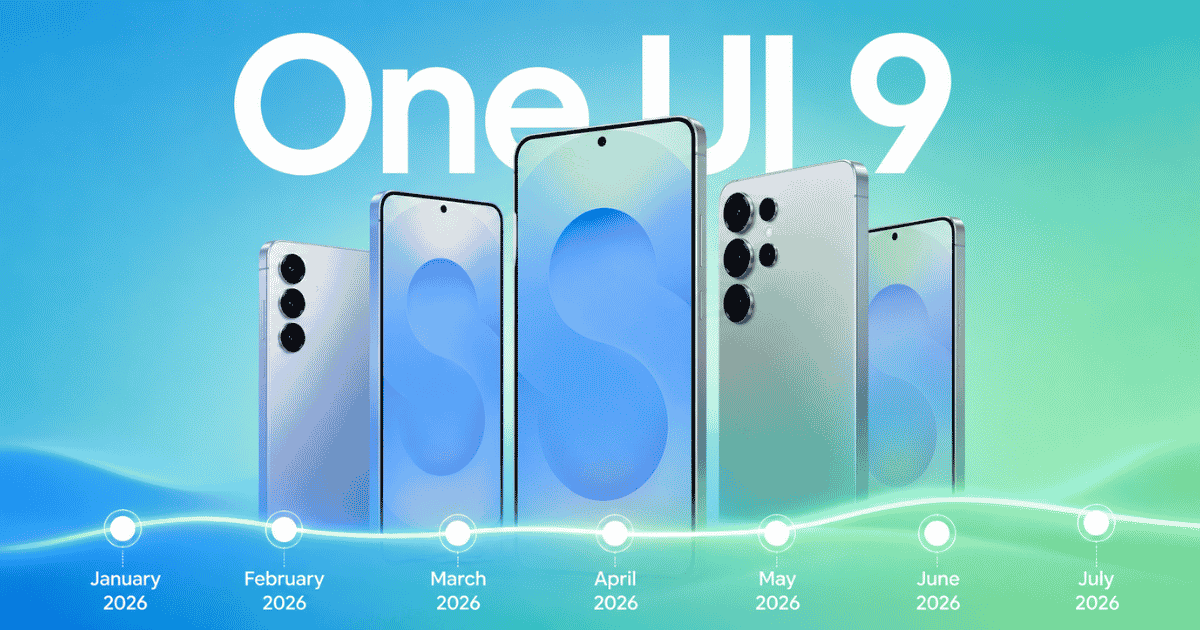
Samsung has officially launched its all-new Android 17-based One UI 9 on its newer Fold 8 series, bringing a refreshed interface, smarter Galaxy AI features, improved productivity tools, and enhanced accessibility to eligible Galaxy devices.
Key Highlights
- One UI 9 Stable is now official: Samsung has launched the Android 17-based One UI 9 stable update with the Galaxy Z Fold 8, Galaxy Z Fold 8 Ultra, and Galaxy Z Flip 8.
- New AI and privacy features: One UI 9 introduces the AI Assistant Activity Dashboard, Enhanced Privacy Alerts, an upgraded Smart Switch, and several new Galaxy AI enhancements.
- More Galaxy devices coming soon: The stable update is expected to expand to the Galaxy S26 series first, followed by eligible Galaxy S, Z, A, M, F, and Tab devices in phases.
Just like the previous updates, the rollout will happen in phases, starting with Samsung's latest flagship smartphones, i.e the S26 series, before expanding to older Galaxy S, Z, A, M, F, and Tab models. So yeah, in this Android 17 (One UI 9) update tracker, I will cover everything you need to know, including supported devices, beta availability, rollout status, and new features as Samsung continues to roll out the update.
Samsung One UI 9 Overview
Samsung One UI 9 Release Timeline
Samsung is currently testing Android 17 through its One UI 9 beta program before rolling out the stable version worldwide.
| One UI 9 version | Status |
| Internal Testing | Complete |
| One UI 9 Beta 1 | Complete |
| One UI 9 Beta 2 | Complete |
| One UI 9 Beta 3 | Complete |
| One UI 9 Beta 4 | Complete |
| Stable Build (Galaxy Z Fold 8 / Fold 8 Ultra / Flip 8) | Released |
| Stable Rollout to Other Devices | Coming soon |
What's New on Samsung One UI 9?
Although there is no such major visual redesign, Samsung has introduced several quality-of-life improvements throughout the system.
- Refreshed Interface: Samsung has refreshed parts of the user interface with cleaner animations, smoother transitions, and additional customization options. You can now resize brightness and volume sliders inside the Quick Panel, where they can be freely positioned and are now thicker for better touch-friendliness.
- Improved Galaxy AI: One UI 9 expands Samsung's Galaxy AI capabilities with smarter writing assistance, productivity tools, and more intelligent on-device features.
- Samsung Notes Improvements: Samsung Notes receives several useful additions, including the new Tape feature for hiding notes while studying, new pen styles, and improved editing tools.
- Better Samsung DeX: Samsung has enhanced the desktop experience with smoother multitasking, easier window management, and improved external display support.
- Gaming Improvements: Game Booster now includes additional optimization options for better gaming performance and battery efficiency.
- Privacy & Security: Android 17 and One UI 9 introduce stronger privacy protections, including improved permission controls, clearer location indicators, and enhanced security features.
- Accessibility: Samsung continues to improve accessibility with features such as Text Spotlight, better TalkBack support, Select to Speak enhancements, and improved keyboard and mouse navigation.
- AI Assistant Activity Dashboard: A dedicated dashboard that lets you monitor AI-powered tasks, review AI activity, and manage AI-related settings.
- Enhanced Privacy Alerts: Proactively detects background permission requests and alerts you to potential privacy risks.
- Improved Smart Switch: Wirelessly transfers passwords, passkeys, call history, accessibility settings, and eSIM data from supported iPhones via QR code.
- Warranty & Care Hub: A new section in Settings for checking warranty information, diagnostics, and repair status.
- Now Brief Security Insights: Displays personalized privacy and security recommendations.
- My FanCam (Fold 8 Series): Automatically tracks subjects and reframes videos.
- Cine LUT (Fold 8 Ultra): Enables cinematic color grading directly while recording videos.
- AI-native FlexWindow (Flip 8): Brings AI-powered widgets, apps, and actions to the cover display.
Samsung Android 17 (One UI 9) Eligible Devices
Samsung hasn't officially confirmed the complete list of eligible devices. However, based on Samsung's software update policy, the following Galaxy devices are expected to receive Android 17.
| Samsung Series | Eligible Devices |
| Galaxy S Series | Galaxy S26 Ultra, Galaxy S26+, Galaxy S26, Galaxy S25 Ultra, Galaxy S25+, Galaxy S25, Galaxy S25 Edge, Galaxy S24 Ultra, Galaxy S24+, Galaxy S24, Galaxy S24 FE |
| Galaxy Z Series | Galaxy Z Fold 8, Galaxy Z Flip 8, Galaxy Z Fold 7, Galaxy Z Flip 7, Galaxy Z Fold 6, Galaxy Z Flip 6 |
| Galaxy A Series | Galaxy A56, Galaxy A55, Galaxy A54, Galaxy A36, Galaxy A35, Galaxy A34, Galaxy A26, Galaxy A25, Galaxy A24, Galaxy A16, Galaxy A15 |
| Galaxy M Series | Galaxy M56, Galaxy M55, Galaxy M54, Galaxy M36, Galaxy M35, Galaxy M34, Galaxy M16, Galaxy M15 |
| Galaxy F Series | Galaxy F56, Galaxy F55, Galaxy F36, Galaxy F35, Galaxy F16, Galaxy F15 |
| Galaxy Tablets | Galaxy Tab S11, Ultra Galaxy Tab S11+, Galaxy Tab S10, Ultra Galaxy Tab S10+, Galaxy Tab S10 FE+, Galaxy Tab S10 FE, Galaxy Tab S9 Ultra, Galaxy Tab S9+, Galaxy Tab S9, Galaxy Tab S9 FE+, Galaxy Tab S9 FE |
- You may also like:
Final Thoughts
Samsung has officially begun rolling out the stable Android 17-based One UI 9 update, starting with the Galaxy Z Fold 8 series and Galaxy Z Flip 8. Over the coming weeks and months, Samsung is expected to expand the rollout to the Galaxy S26 series and other eligible Galaxy smartphones and tablets.
We'll keep this article updated as Samsung announces new beta builds, expands support to more Galaxy devices, and begins rolling out the stable Android 17 update worldwide.
Frequently Asked Questions (FAQs)
Article Last updated: July 23, 2026